OneTake
An audio editor for the desktop and the browser that turns one long WAV recording into several finished MP3 files, built for the volunteer team I lead. It cut our processing time per event by about 50%.
01 About
Our volunteer team records each event as one long WAV, and every event has to end up as several separate MP3 files. Most audio editors work the other way round, with many tracks in and one file out, so splitting a recording meant repeating the same trims, fades and exports by hand for every file.
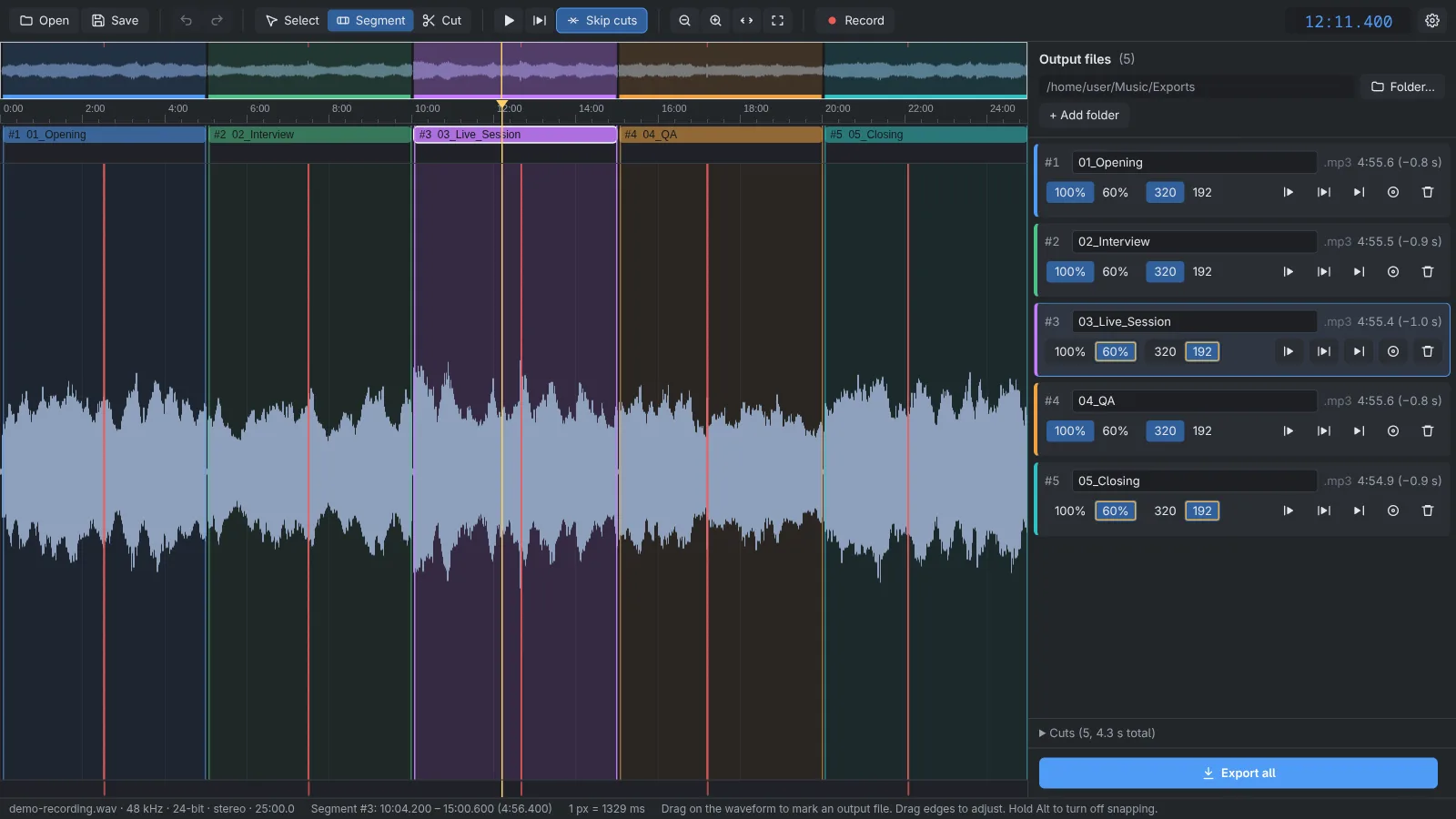
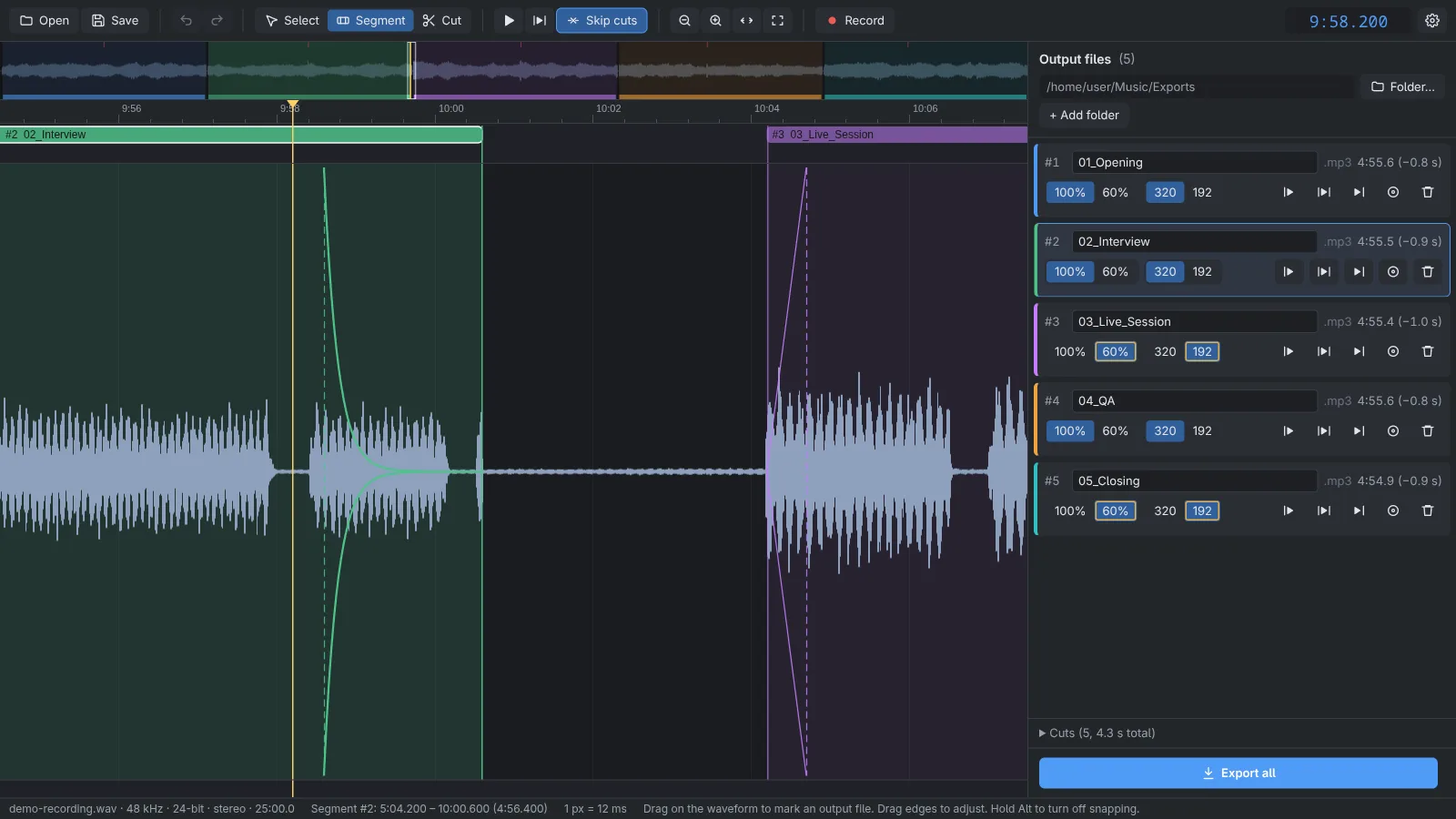
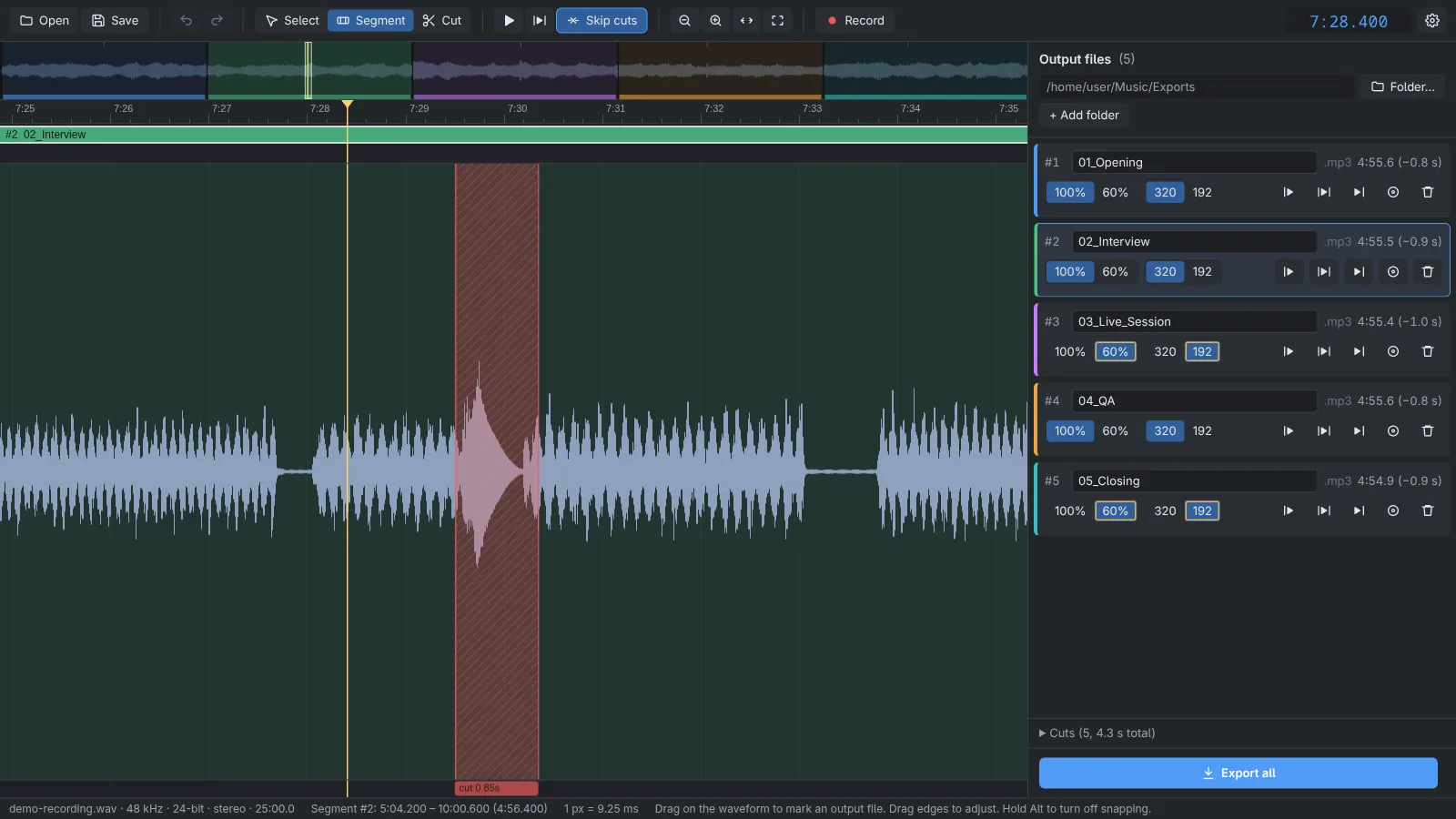
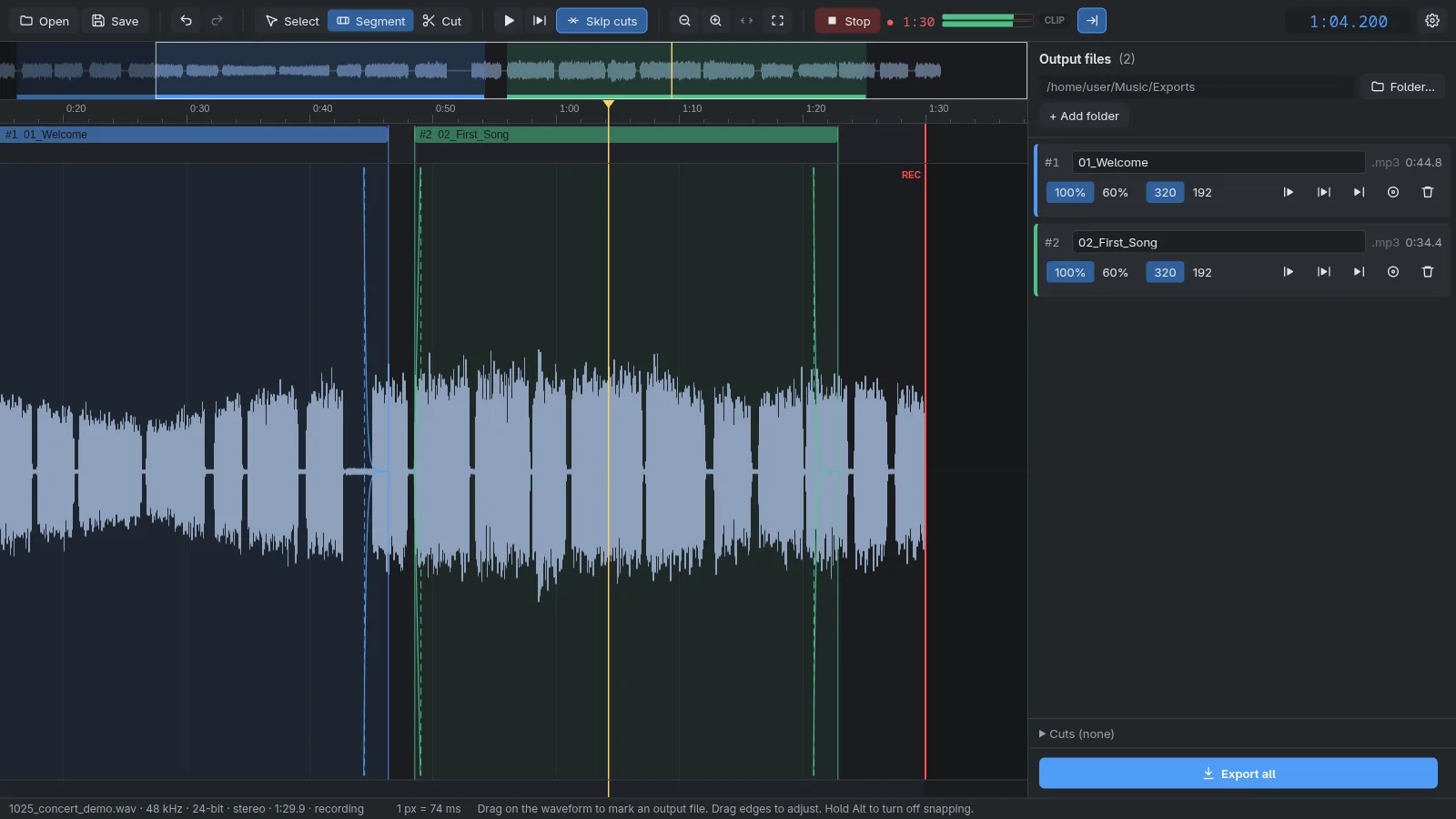
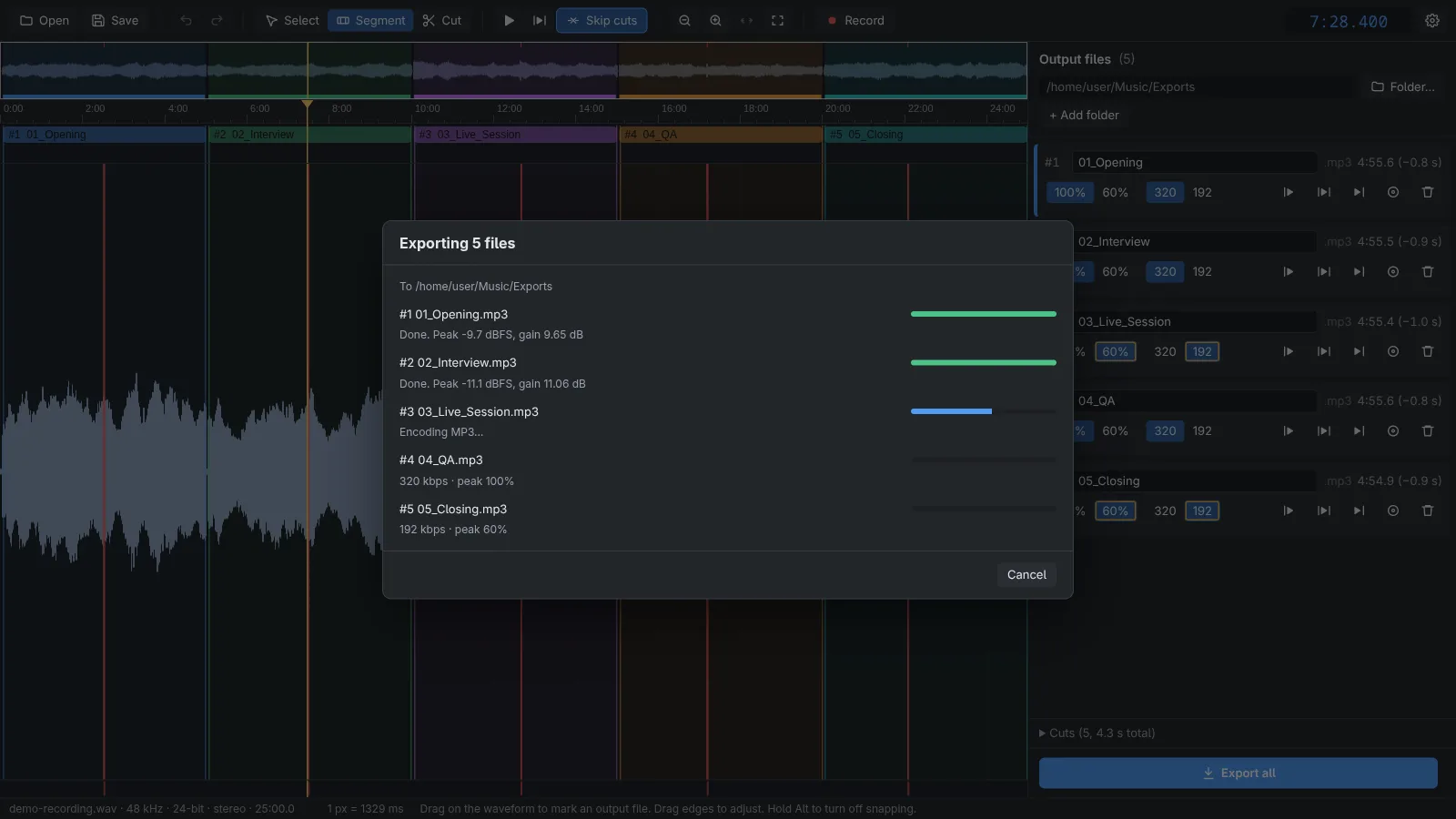
OneTake is built for that one job. You mark where each output file starts and ends on the recording, cut out coughs and noises, and export everything in one go: every file gets the same fades, and its own peak level and bitrate. Folder rules fill in the repetitive start of each filename, and it can record from the audio interface while you are already marking and exporting the parts that are finished.
Each file is rendered from the untouched WAV in two ffmpeg passes. The first applies the cuts and fades and measures the peak of the finished audio, the second applies the gain and encodes the MP3, so a cough that was cut out can't hold the level down. The desktop app runs on Windows, macOS and Linux and updates itself from GitHub releases. It also runs in a browser, from a Docker image: one version works on files on the server, and a browser-only version does everything in the page, with the MP3 export done by the LAME encoder compiled to WebAssembly, so no audio leaves the visitor's computer.
02 Screenshots
03 What it does
- Mark output files and cuts on a single recording, then export everything with consistent fades, per-file peak normalization and bitrate
- Records from an audio interface while you edit; opens a 90-minute 24-bit file in about 3 seconds
- Electron app for Windows, macOS and Linux with an ffmpeg export pipeline, tests, CI and tagged releases; interface in six languages, including English and Hungarian
- Browser-only version: opening, playback, recording and the MP3 export all run in the page, matching the desktop export sample by sample, and it works offline after the first visit